Pages for your business
Create a homepage and supporting pages, then arrange the links in your site navigation.
Give visitors a clear place to learn what you do. Create pages for your business, add images and video, and publish from one Website app in your ElegantArc workspace.
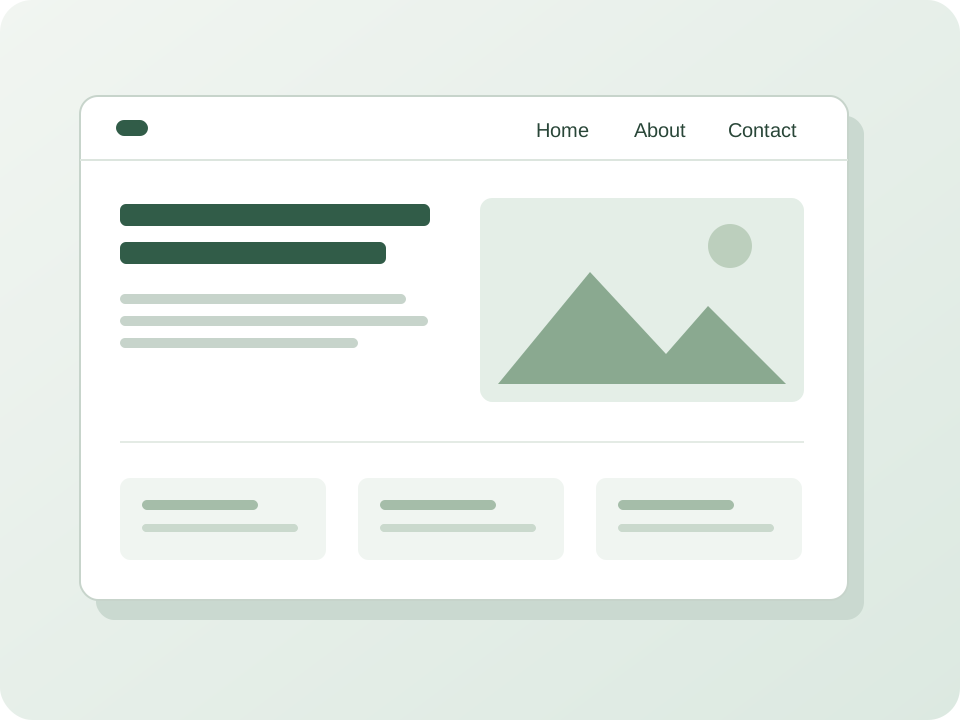
Bring your business story, services and contact details together in a website you can update yourself.
Create a homepage and supporting pages, then arrange the links in your site navigation.
Build pages from ready-made sections for text, images, uploaded video, links and two-column layouts.
Save and preview drafts privately. Later draft edits leave the current published page unchanged.
Publish on your generated HTTPS address, or connect a domain you own after completing setup and verification.
Set page titles and descriptions. Control whether your published site is eligible for search indexing and ElegantArc public discovery.
Use the same ElegantArc account and workspace. Add other apps, or another Website, when you need them.
Prepare your homepage first, then add more pages as your business needs them.
Start a new workspace with Website, or add it to a workspace where you have installation permission.
Add your words and media, save your draft and preview it privately.
Publish your finished pages and site, then share your generated address or set up a domain you own.
Website supports a homepage and pages with simple navigation. It does not include built-in forms, online checkout, custom code or a template library.
Create your Website, prepare a page worth sharing and publish when it is ready. Start with Website and add other ElegantArc apps as needed.
 ElegantArc
ElegantArc offers small and growing businesses focused apps they can add within one workspace as needed.