Draft before you publish
Prepare the title, summary, body and release details in a private draft. Publish when the update is ready for customers.
Give customers one place to see what is new, improved and fixed. Draft a concise product update, then publish it to a public history they can revisit, follow by RSS or read through your recent-updates embed.
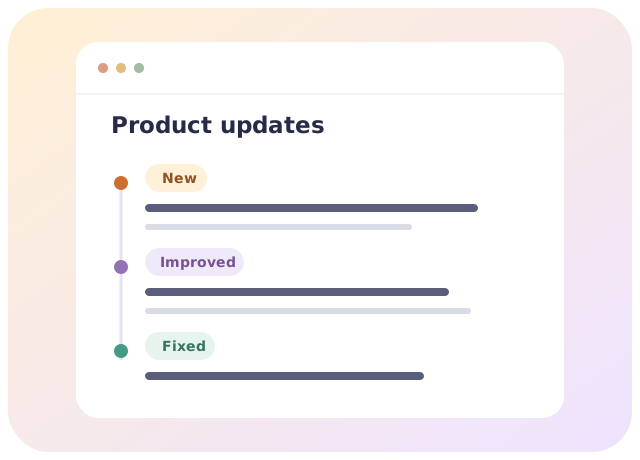
A useful improvement can pass unnoticed. Give it a clear title, explain what changed and keep the details in a public record customers can return to.
Prepare the title, summary, body and release details in a private draft. Publish when the update is ready for customers.
Give each published update its own address and keep new features, improvements and fixes together in one public history.
Let readers follow published changes by RSS. Use the read-only iframe to show up to five recent updates on a page you control.
Correct a published update at the same address. The original publication time stays in place, with the correction time shown separately.
Choose Updates, prepare a draft and publish a useful first entry.
Create a workspace with Updates or install it in a workspace where you have permission.
Write a title, summary and body. Add the product area, category and release date so readers have the context.
Make the entry public in your history, RSS feed and recent-updates embed.
Drafts stay private until you publish. After publication, corrections change the public entry while preserving its address and first publication time. Publishing does not send email or other notifications.
Use Updates as its own app inside your ElegantArc workspace. Add other focused apps as your business needs them.
Start your changelog with one useful update.
 ElegantArc
ElegantArc offers small and growing businesses focused apps they can add within one workspace as needed.